
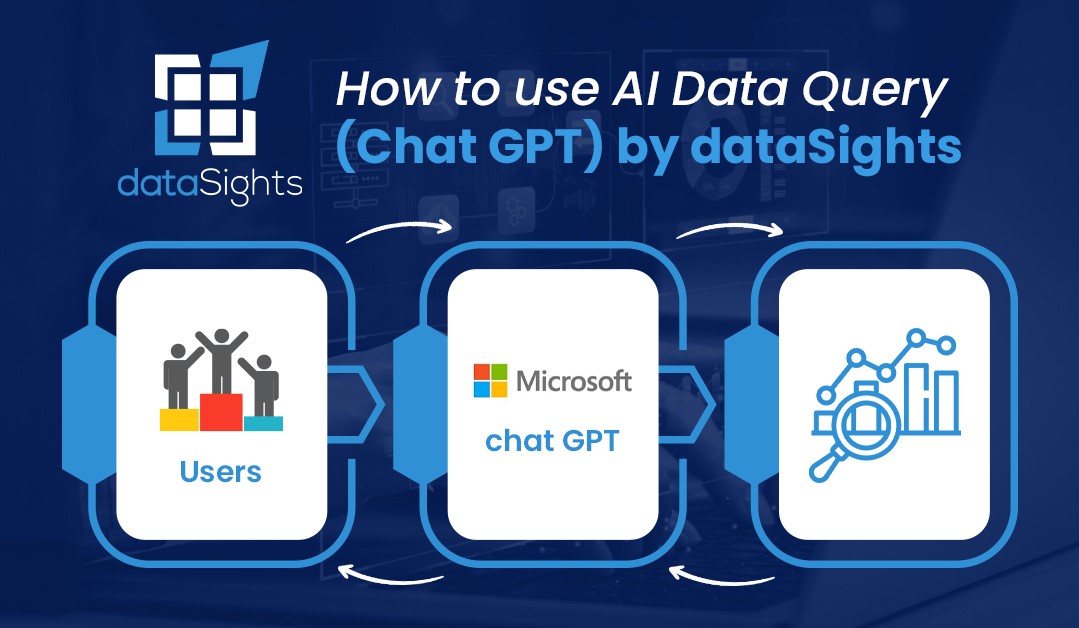
Update, 21 October 2026: This post was written when dataSights ran ChatGPT over your data inside the platform, on its AI Data Query screen. That screen is now switched off for every customer. There are no AI agents in the platform, and none of your data goes to an AI model of ours. Your own AI does the work instead: connect ChatGPT, Claude or Microsoft Copilot to your data through AI Connect, which is included at no extra cost, and your dataSights user permissions apply.
In a world inundated with data, extracting meaningful insights can be a daunting task. However, thanks to AI tools like ChatGPT, this process is becoming more accessible and efficient. In this blog post, we’ll dive into how you can use ChatGPT on your own data with dataSights to empower your data-driven journey.
Understanding How It Works:
- The Secure Foundation
dataSights places paramount importance on data security. AI Connect runs each query against your own database with the permissions you set in dataSights, and every AI query is logged. The security question that matters is about your own ChatGPT, Claude or Copilot account, and most customers use a company account their information security team has already approved.
- Conversational Intelligence
Asking questions of your data this way works for individuals from various backgrounds. Whether you’re tech-savvy or not, you can easily engage with the AI using natural language, including English and even other languages. It’s as simple as having a conversation.
- SQL Magic
Behind the scenes, your AI tool transforms your natural language queries into SQL, the language of databases. While it excels in simplifying complex SQL queries, it may face challenges when dealing with extensive data spanning numerous tables. This is where DataSights’ data templates come into play.
- Data Templates for Efficiency
DataSights collaborates closely with users to create data templates or “views,” simplifying data accessibility. These views are meticulously curated to accelerate the reporting process, ensuring you get the answers you need quickly.
Unlocking the Potential – A Real-Life Example:
Let’s explore an example involving inventory and financial data integration with popular tools like DA and Xero. Although some knowledge of your data structure is beneficial, this AI tool isn’t exclusive to tech experts. It’s tailored for semi-technical users and business professionals who understand their data and objectives.
**The Process:**
– Set the scene by providing context about your business, such as its location, products, and methods.
– Choose a relevant data view to work with.
– Ask questions like “Show me the top 20 products purchased more than once by a customer.”
– Collaborate with the AI to refine your queries until you’re satisfied.
**Taking It Further:**
Once you’ve extracted the desired data, the possibilities are endless. You can create SQL views, export data to various platforms like Excel or Tableau, and even set up data alerts for seamless reporting.
Conclusion:
Using your own AI over your data through AI Connect is a game-changer for businesses seeking efficient data analysis and reporting. While it’s underpinned by advanced technology, it’s designed to be user-friendly, making it accessible to both technical and non-technical users. With the power to convert natural language into actionable data, it opens up a world of possibilities for businesses across various industries. Say goodbye to cumbersome data queries and hello to a more efficient, data-driven future with DataSights.
If you’re ready to revolutionize your data analytics, give DataSights a try and witness the transformation it can bring to your business.
kevinw@datasights.com.au
www.datasights.co