
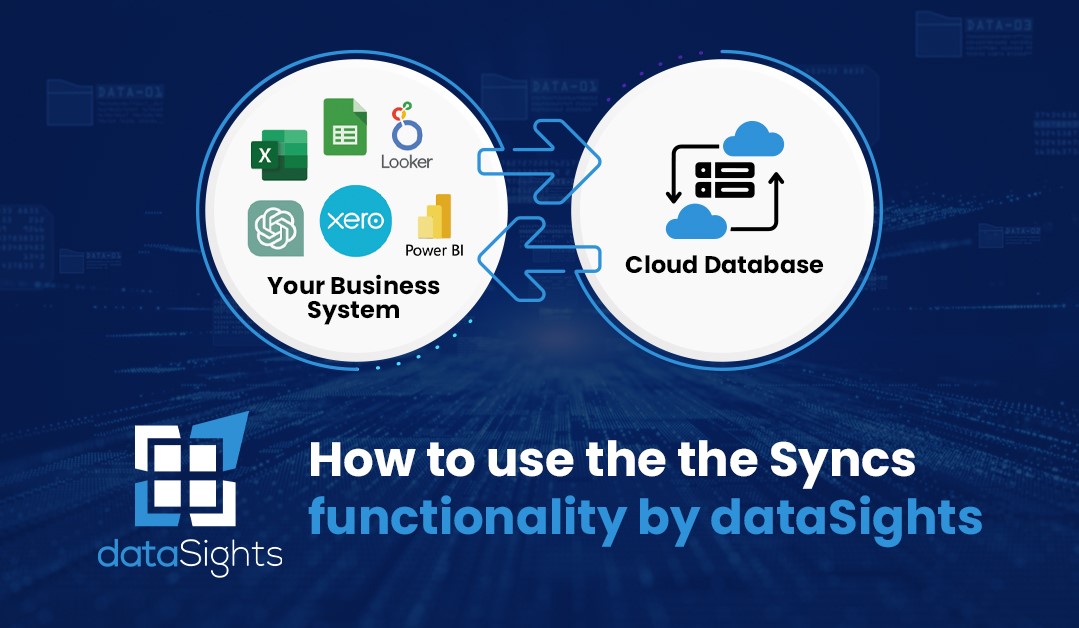
In this comprehensive guide, we delve into the world of data synchronization with DataSights. What exactly is a sync, and why is it crucial for your data management?
A sync, in essence, is the process of transferring data from your various source systems, such as Xero or Google Drive, to a dedicated cloud database. This synchronization is accomplished through the use of APIs, ensuring that all your valuable data is readily accessible.
To set up a sync, you need to have already created your database and established connections with your source systems. Once this groundwork is laid, the synchronization process can begin.
The video provides a practical demonstration of setting up a sync, using the example of syncing data from Xero. You can schedule syncs to occur at specific times, allowing you to choose the frequency that best suits your needs. Sub-syncs, a concept unique to each connection, enable you to copy subsets of data more frequently, ensuring your reporting platform remains up-to-date.
DataSights allows you to pause, edit, or delete syncs and trigger manual refreshes as needed. However, it’s essential to consider API limitations and consult with DataSights to optimize your data synchronization strategy.
Moreover, the video highlights the importance of timing your syncs according to your data’s destination. For example, Excel allows you to pull data at any time, whereas Power BI dashboards require timed refreshes.
Conclusion
DataSights empowers you to make the most of your data by maximizing its frequency and ensuring you always have access to the latest information. For expert guidance on setting up and managing syncs, don’t hesitate to reach out to the DataSights team. They’re here to support your data synchronization journey, making sure your data is as up-to-date as possible.
kevinw@datasights.com.au
www.datasights.co