
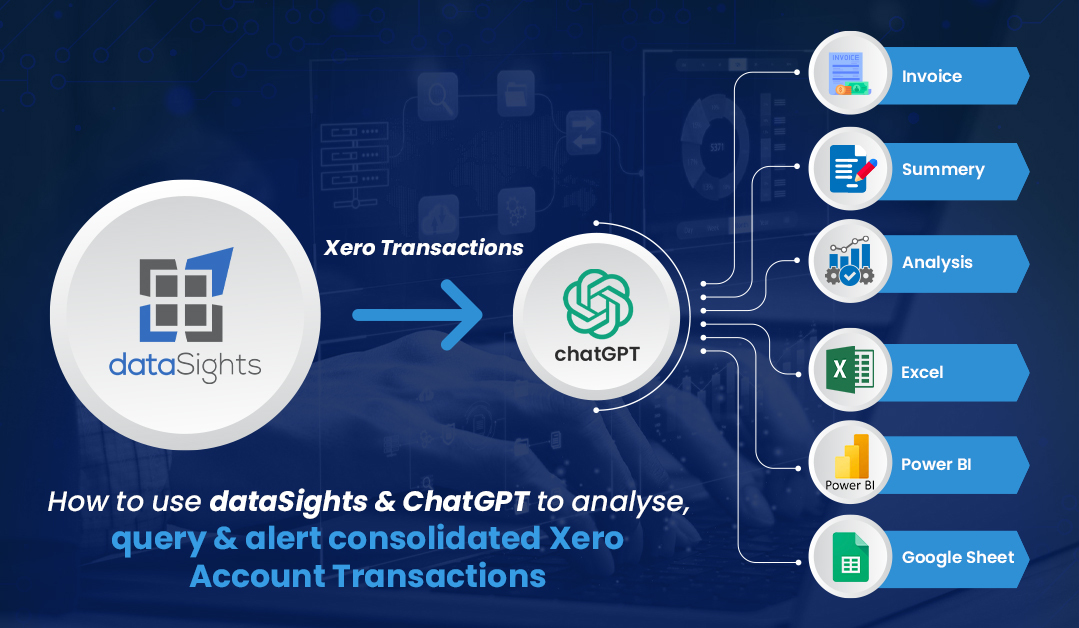
Update, 21 October 2026: This post was written when dataSights ran ChatGPT over your data inside the platform. That is now switched off for every customer. There are no AI agents in the platform, and none of your data goes to an AI model of ours. Your own AI does the work instead: connect ChatGPT, Claude or Microsoft Copilot to your data through AI Connect, which is included at no extra cost, and your dataSights user permissions apply.
Are you ready to revolutionize the way you handle your financial data? In our latest video, we unveil the game-changing features of our data viewer, paired with the incredible capabilities of artificial intelligence. 

Efficient Data Filtering:
Say goodbye to the tedious process of sifting through transaction data manually. Our data viewer empowers you to efficiently filter through extensive datasets, saving you time and providing clarity in your financial records.
AI Summarization and Analysis:
Harness the true potential of AI by applying your own AI tool, connected through AI Connect, to summarize and analyze your financial data. Gain actionable insights that go beyond standard reporting, allowing you to make informed decisions that impact your business positively.
AI Queries for Everyone:
No technical background? No problem. With your own AI tool connected through AI Connect, create custom queries effortlessly. Unlock the ability to interact with your data like never before, tailoring it to your unique needs and goals.
Proactive Expense Management
Take control of your expenses by setting up data alerts. Proactively keep tabs on significant transactions, ensuring you’re always in the loop and making informed financial decisions.
Video Highlights
 Walkthrough of Xero demo companies and system performance with extensive datasets.
 Demonstration of passing data into the AI model for improved summaries and analysis.
 Guidance on interacting with the AI model for accurate and contextual results.
 Instruction on using AI to assist in writing effective SQL queries, even for non-technical users.
Advanced Features Showcased:
 Detect duplicate invoices and verify proper coding within your accounts. Create views for seamless integration with Excel, Power BI, Looker, or Google Sheets.
 Set up scheduled alerts for optimal reporting and data management efficiency.
Conclusion:
We bring it all together by showcasing how to convert complex datasets into concise insights and proactive alerts. Elevate your financial oversight and gain control over your business operations.
Ready to dive into the details of data analysis and enhance your financial management? Watch our video, hit that like button if you find it informative, and subscribe to our channel for more insights on mastering your data.
Thank you for tuning in! We can’t wait to share more valuable insights with you in our next session. 
 #FinancialData #DataAnalysis #AIIntegration #BusinessInsights #MasterYourData
kevinw@datasights.com.au
www.datasights.co