
In the world of data analysis, every tool that simplifies the process is a treasure. Today, we’re diving into DataSights’ Data View feature, led by our guide, Kev. This may be a short video, but the insights you’ll gain will be nothing short of transformative.
Introduction to DataSights Data View
Meet Kev, the face behind DataSights, who kicks things off with a warm greeting. He sets the stage by acknowledging the video’s brevity, highlighting the fact that some of the most valuable lessons come in small packages.
Seamless Data Access with a Right-Click
Kev’s first piece of advice is both simple and effective: no matter whether you’re dealing with data in a table or a view, a right-click is your secret weapon. This humble action reveals a wealth of information, instantly showcasing the columns and data types at your disposal.
Effortless Data Viewing Options
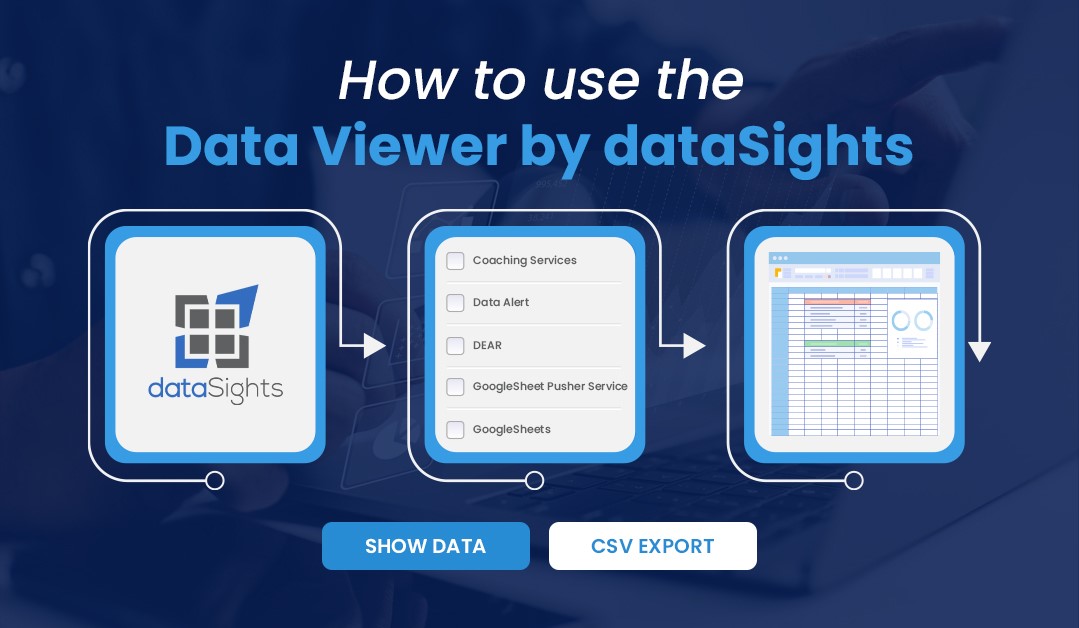
Once you’ve accessed your data, Kev lays out two primary methods to view it. You can either choose to “show data,” offering a structured approach, or you can take the more direct route by clicking directly on the data points that pique your curiosity.
Data Export and Its Limitations
While DataSights excels at data visibility, Kev clarifies an essential point: direct data editing within the platform is not supported. However, there’s no need to worry. Data can be exported as a CSV file, with a caveat: it exports only what’s currently displayed on your screen. Kev is candid about this limitation and hints at future improvements in the pipeline.
Mastering Data Management: Filtering and Sorting
Kev takes a moment to underscore DataSights’ prowess in data organization. With the platform’s intuitive features, you can effortlessly filter and sort data based on specific columns, ensuring you locate precisely what you need. And should you need to reset filters or start fresh, the process is seamless.
Closing Thoughts and Invitation for Questions
As the video nears its conclusion, Kev ensures that the information is crystal clear. He invites viewers to reach out with any questions they may have, reinforcing DataSights’ commitment to supporting users in their data exploration journey.
In this succinct yet impactful video, Kev unveils the potential of DataSights’ Data View feature. With just a few clicks, you can unlock valuable data insights and embark on a journey of exploration. Be sure to stay tuned for future enhancements as DataSights continues to strive for excellence in providing users with the best data exploration experience. Whether you’re an experienced data analyst or a newcomer, DataSights is your trusted partner in making sense of your data.
kevinw@datasights.com.au
www.datasights.co