
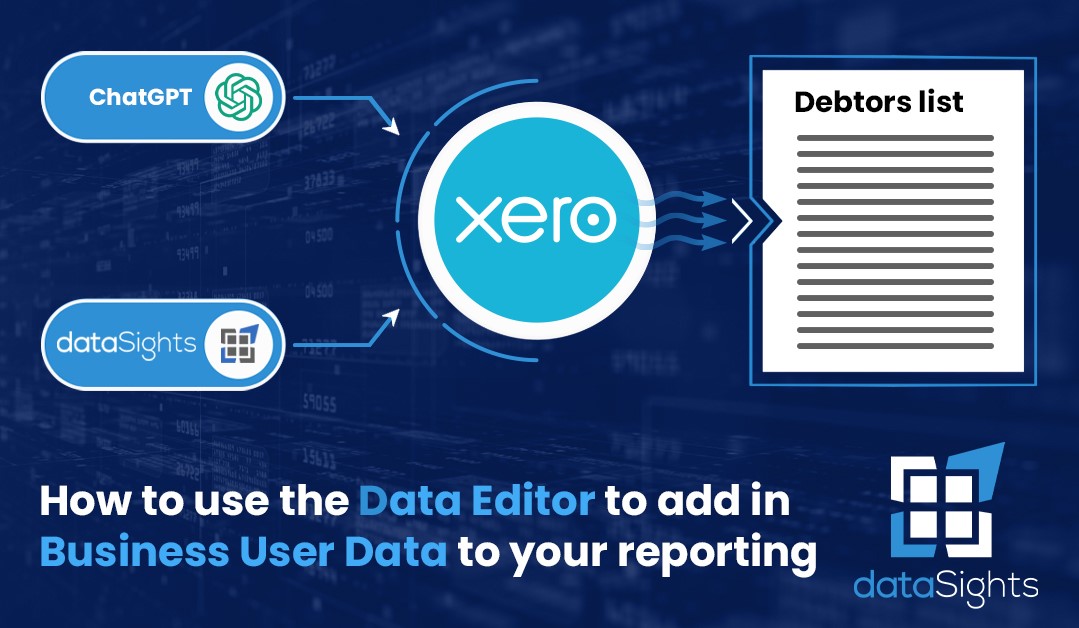
In today’s data-driven world, efficiently managing and integrating various data sources is paramount for business success. In a recent video presentation by DataSights, a powerful solution for businesses, the focus was on simplifying the process of incorporating business user data into your data infrastructure.
What is Business User Data?
Business user data refers to information beyond the typical system data that flows into your data lake. This data can encompass various aspects, such as cell data, commission percentages, budgets, forecasts, targets, and mappings between systems. Essentially, if it can be organized into a table, it falls under this category.
Multiple Integration Paths
DataSights offers multiple convenient pathways to add and manage this crucial business user data. You can utilize their Excel add-in, seamlessly import data from Google Sheets, or take advantage of their new platform feature. This variety of options ensures flexibility in integrating your data effectively.
Centralization for Data Harmony
Centralization is a key principle stressed throughout the presentation. The idea is to maintain your business user data in one centralized location. By doing so, you ensure that it’s readily accessible alongside your system data, ready to be integrated into the desired format before being used by your reporting tools.
Reducing Dependence on Developers
Traditionally, updating data like forecasts, budgets, or targets required a time-consuming back-and-forth with report developers. DataSights aims to eliminate this bottleneck by empowering users to manage this data independently within a single central hub. This approach not only accelerates the process but also puts data control back in the hands of those who need it most.
A Practical Demonstration
The presentation demonstrates how to create a new data table from scratch. Users can label and structure it according to their specific needs, making it an incredibly flexible tool.
Effortless Data Manipulation
DataSights excels in terms of data manipulation. Whether it’s exporting data to CSV, editing it in Microsoft Excel, or adding records to your table, the process is straightforward. You can easily update, extend, or overwrite existing data, ensuring that your business user data remains accurate and up-to-date.
A Versatile Solution for Business Users
In summary, DataSights offers an incredibly flexible and efficient solution for incorporating business user data into your data processes. It empowers business users to take control of their data, streamlining integration and reducing dependence on report developers.
So whether you’re dealing with commission percentages, budgets, or any other structured data, DataSights equips you with the tools and capabilities needed to simplify data integration.
For any questions or assistance, don’t hesitate to reach out to DataSights. Don’t let data integration become a struggle; take control and optimize your data workflows today. Thank you for joining us, and remember, your data is your power. Cheers!
kevinw@datasights.com.au
www.datasights.co